Automate Expired Domain Hunting with n8n: Moz-Enriched Daily Reports
Search DomainKits for expired .com domains containing "tech," filtered to 20+ years of registration history, excluding hyphens and numbers. Result: 289 domains. techreps.com, registered in 1994, 32 years old. michtech.com, registered 1997, on 12 TLDs. junctiontech.com, 29 years, on 4 TLDs. Widen the filter to 10-20 years: 1,415 domains. Switch to pending delete status (dropping in 1-5 days) with 5-10 character length: 864 domains, including technir.com (24 years) and protechli.com (24 years). This inventory changes every day as new domains enter the expiration pipeline and others drop off.
The manual version of expired domain prospecting looks like this: run a search, scroll through results, open WHOIS on promising candidates, check DA in a separate tool, note the ones worth pursuing, repeat tomorrow. The criteria do not change between sessions. The ranking logic is the same every time. The only variable is the inventory, because domains expire on a rolling basis.
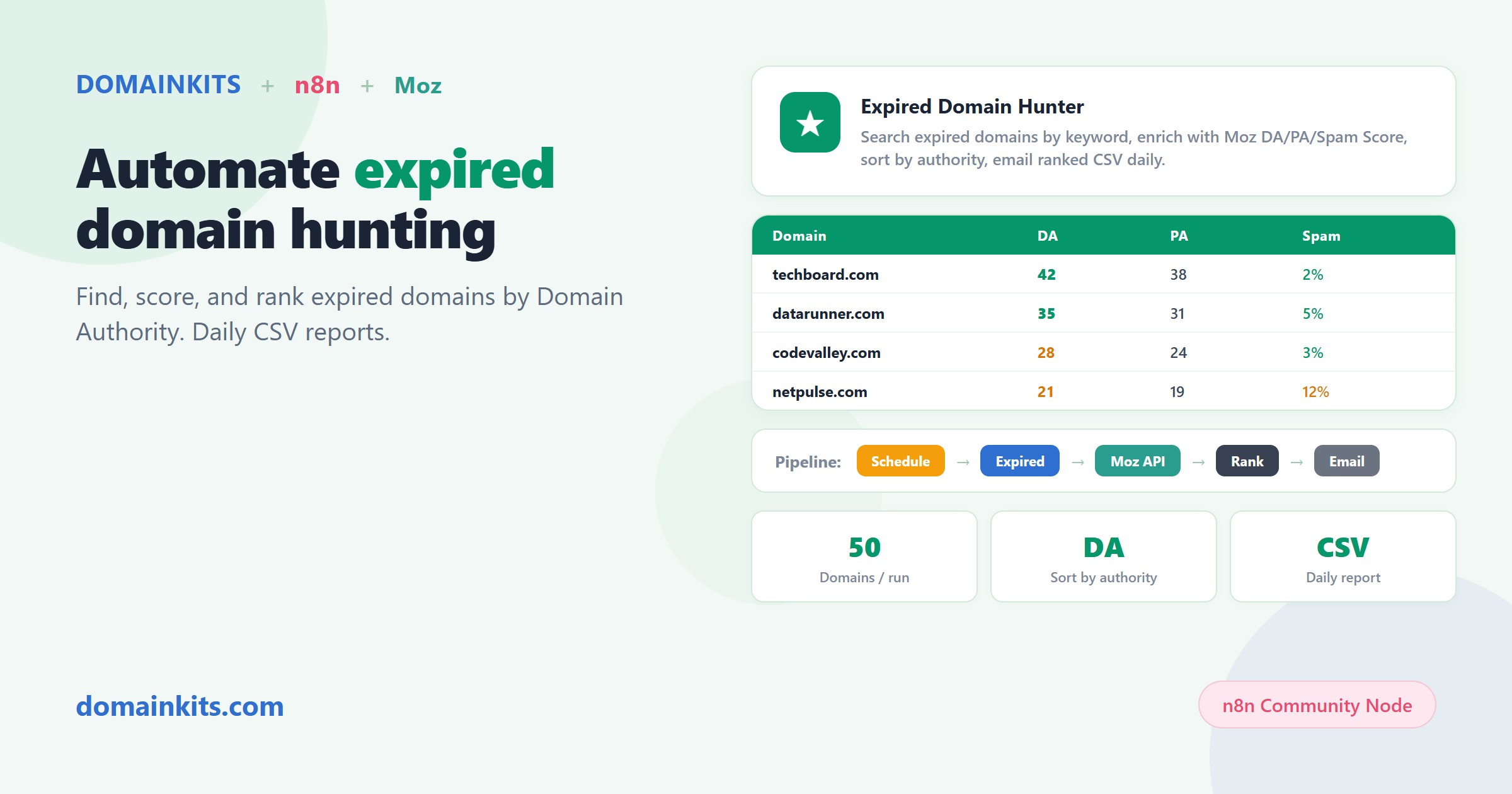
This workflow template automates the entire loop on n8n: DomainKits finds the candidates, Moz scores them by Domain Authority, and a CSV report sorted by DA arrives in your inbox every morning.
What the DomainKits expired domain dataset covers
The DomainKits expired domain inventory tracks domains across three stages of the expiration pipeline:
- Expired: The domain has passed its expiry date. The registrar may be auctioning it or holding it for renewal. This is the earliest stage where the domain becomes potentially available.
- Redemption: The domain is in the registrar's redemption grace period. The original owner can still reclaim it (for a fee), but it is moving toward deletion.
- Pending delete: The domain is scheduled for deletion by the registry in 1-5 days. After deletion, it becomes available for standard registration. This is the stage where timing matters most.
The dataset is searchable by keyword, TLD, age range (0-5, 5-10, 10-20, 20+ years), domain length, character type (all alpha, all numeric), hold status, and expiry status. These filters are what make the dataset practical at scale: without them, the expired inventory for a single keyword like "tech" returns thousands of results. With them, you can narrow to the exact segment that matches your criteria.
Why the age filter changes everything
Most expired domain feeds give you a list of names. DomainKits attaches the original registration date to every expired domain, which means you can filter by how long the domain was continuously registered before it expired.
This matters because domain age correlates with accumulated link equity, indexed history, and brand recognition. A domain registered in 1994 that expires today has 32 years of web history. Search engines, citation databases, and link graphs have 32 years of signals attached to that domain. A domain registered last year that expires today has none of that.
The numbers show the difference. Searching "tech" on .com with 20+ years of history returns 289 candidates. These are domains that were maintained for two decades before someone let them lapse. The same keyword with 10-20 years returns 1,415 candidates. With 5-10 years, the pool grows further. Each tier represents a different value profile, and the age filter lets you target the tier that matches your use case.
What the workflow does
The workflow answers one question daily: "Which expired domains matching my criteria have the most SEO authority?"
It starts with the DomainKits expired domain search, filters by keyword, age, and structural criteria, then sends the top candidates to the Moz Links API for authority scoring. The output is a CSV report sorted by Domain Authority, where the top rows are the highest-DA expired domains matching your keyword.
How it works step by step
- Schedule trigger: Fires daily at 2:00 PM.
- Configuration: Reads target keyword and maximum domain count from a settings node.
- Expired domain search: Queries DomainKits for expired domains matching the keyword. Filters exclude hyphens and numbers, and a minimum age threshold focuses on domains with registration history worth evaluating.
- Batch preparation: Selects up to 50 candidate domains from the results.
- Moz enrichment: Sends the candidate list to the Moz Links API in batch mode, retrieving Domain Authority (DA), Page Authority (PA), Spam Score, and linking root domains for each domain.
- Merge and rank: Joins DomainKits expiry data (expiration date, age, registrar, cross-TLD count) with Moz metrics, then sorts by Domain Authority descending.
- Summary: A code node generates a plain-text summary: total candidates found, top 5 by DA, keyword, and date.
- CSV and email: Converts the full ranked list to CSV and sends it as an email attachment.
What the report looks like
The daily CSV contains one row per domain with:
- Domain name and age (years since original registration)
- Domain Authority (DA) and Page Authority (PA)
- Spam Score and linking root domains
- Expiry status (expired, redemption, or pending delete)
- Cross-TLD count (how many extensions the same prefix is registered on)
- Registrar
The sort order puts the highest-DA domains at the top. The cross-TLD count from DomainKits adds context that Moz alone does not provide: michtech.com with its prefix registered on 12 TLDs tells you the name has commercial interest beyond a single extension. techreps.com registered on 6 TLDs since 1994 carries a different profile than a single-TLD expired domain.
Why Moz enrichment matters
An expired domain list without authority metrics is a list of names. The 289 "tech" domains with 20+ year histories are not equally valuable. Some were parked for decades and never built links. Others were active sites with backlinks from authoritative sources. Domain Authority is not a perfect metric, but it is a consistent proxy for accumulated link equity.
Spam Score is equally important in the other direction. A high-DA domain with a high Spam Score has likely been penalized or used for link schemes. The CSV includes both metrics so you can filter for high-DA, low-Spam candidates in one pass.
Prerequisites
- An n8n instance. Self-hosted or n8n Cloud, v2.31+ (community node support).
- The DomainKits node. Install from Settings → Community Nodes → search for
n8n-nodes-domainkits. Self-hosted:npm install n8n-nodes-domainkits. - A DomainKits API key. API access requires a Premium or higher plan. Generate your key at domainkits.com/dev.
- Moz API credentials. A Moz account with API access. You need your Access ID and Secret Key, configured as HTTP Basic Auth in n8n.
- SMTP credentials. The workflow delivers the CSV report via email.
Setup
- Your keyword. Set it in the configuration node.
- Moz API credentials. Add your Moz Access ID and Secret Key as HTTP Basic Auth credentials in n8n.
- SMTP credentials. Configure your email provider in the Email Send node.
Optional: adjust the domain limit (default 50) and minimum age threshold in the configuration node.
Run manually once to verify the CSV format and Moz authentication. The first automated report arrives at the next scheduled run.
Import this template on n8n.io
Customization ideas
- Multiple keywords. Duplicate the workflow or loop through a keyword list to cover multiple niches in one run.
- Status targeting. Filter to "pending_delete" status only to focus on domains dropping in 1-5 days, the window where timing matters most. The 864 pending delete "tech" domains with 5-10 character length show there is significant daily volume in this stage alone.
- Threshold filtering. Add a code node after Moz enrichment that drops domains below a DA threshold or above a Spam Score threshold before generating the CSV.
- Deleted domain hunting. Swap the DomainKits expired search for a deleted domain search to target domains that have completed the deletion cycle and are available for standard registration.
- Google Sheets logging. Append each day's top candidates to a shared spreadsheet to track inventory over time and avoid re-evaluating the same domains.
Get started
Related reading: Automate NRD Alerts with n8n covers daily keyword alerts and certificate tracking for newly registered domains. Automate Brand Domain Monitoring with n8n covers typosquat scanning and brand protection.